
Overlap — Roster & Calendar Viewer
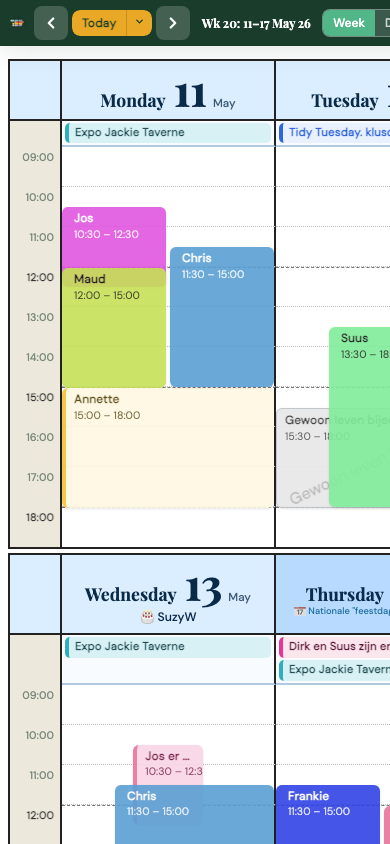
Overlap is an open-source calendar viewer and management layer built for volunteer-driven organisations: neighbourhood centres, festivals, cultural venues, community initiatives and social projects. It pulls together multiple Google Calendars into a single, human-readable schedule — not as separate side-by-side agendas, but as one unified visual that shows at a glance who is working when, which activities are happening, where gaps exist, and where shifts or events overlap.
A standard calendar shows events.
Overlap shows the organisation as a whole.
What it shows
Any Google Calendar can be given a dedicated role. Typical layers include volunteer rosters, public events, kitchen & logistics, meetings, absences and one-off appointments. Because all these layers appear together in a single view, the connections become immediately visible — a busy Sunday afternoon, a volunteer who is absent during a big event, an important appointment hidden in a crowded week.
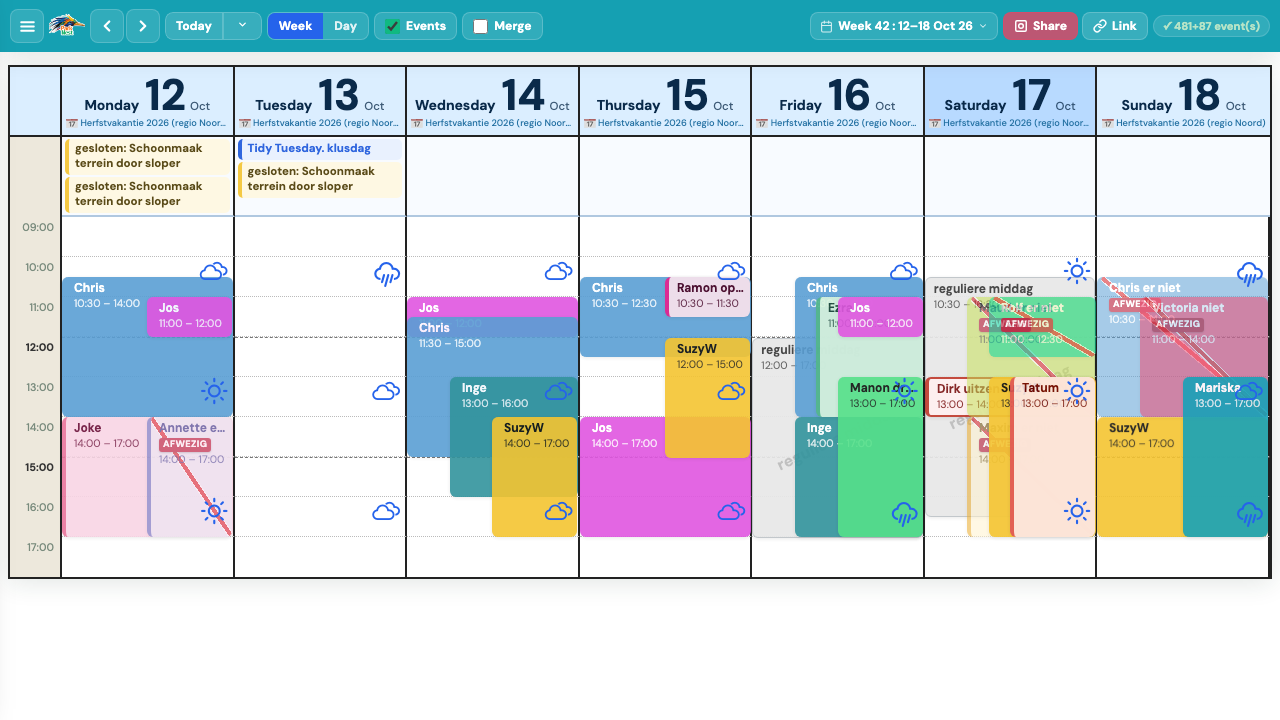
Week view — live on parknest.nl · October 2026
October 2026 update
- Weather integration — live hourly forecasts (Open-Meteo) overlaid directly on the schedule as floating icons + temperature badges, per-hour, for all views
- Absence detection — shifts matching absence keywords get a diagonal red stripe and an AFWEZIG badge; merge-shifts mode hides them from the schedule entirely
- Mono theme — new high-contrast black-and-white theme for print-like clarity
- Schedule admin — mobile card layout for important dates; label-first column order; auto-strip of category prefixes
Features
- Multi-calendar overlay — read multiple ICS feeds and render them as one visual schedule
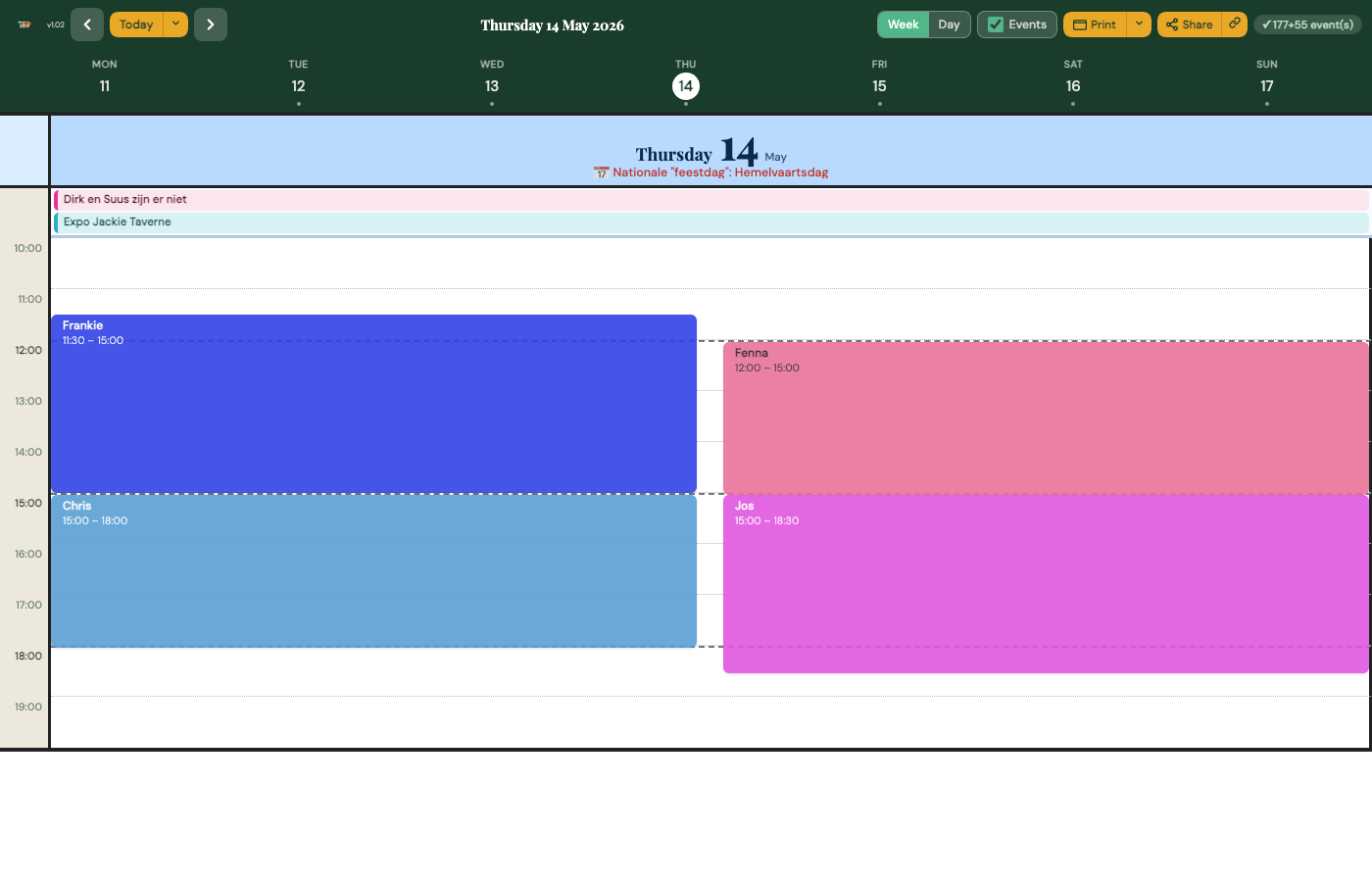
- Week view & day view — responsive grid that adapts to desktop, tablet and phone
- Weather integration — live Open-Meteo weather forecasts overlaid on the schedule as floating icons + temperature per hour slot; toggleable in settings
- Absence detection — events matching absence patterns (afwezig, vakantie, niet) get a diagonal stripe and ABSENT badge; merge-shifts mode hides them entirely
- Colour-coded crew — each volunteer gets a personal colour; shifts are instantly recognisable
- Worked-hours overview — compact report per volunteer with week/month/year totals and inline drill-downs
- Multiple themes — Blockery, Softy, Nova, Sketchy, Mono; each with weather-specific styling
- Management panel — calendar configuration, volunteer management, important dates and branding, all without touching code
- PWA-ready — installable as a home-screen app on any device
- Open source — MIT licence, self-hosted, no tracking
Day view
Mobile